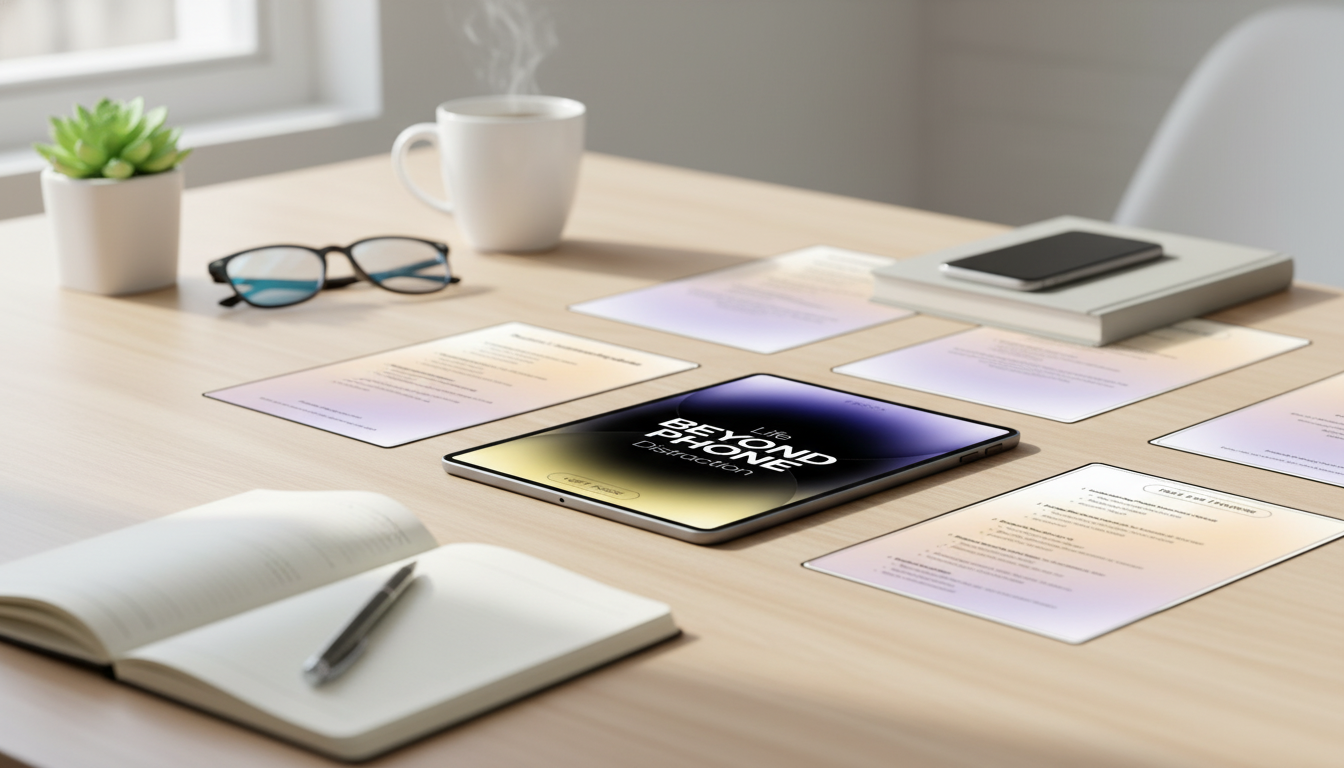
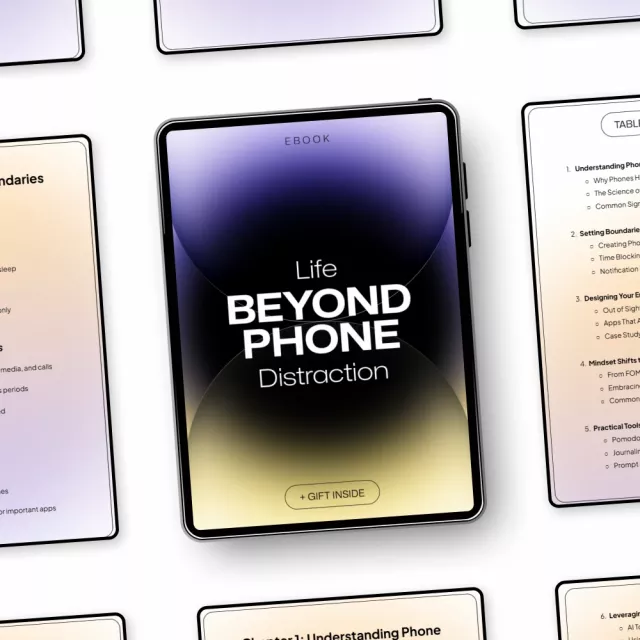
Phone habits can quietly fracture attention, inflate stress, and turn simple tasks into all-day projects. Life Beyond Phone Distraction: Master Focus and Boost Productivity with This Digital Guide is designed to help rebuild focus with practical steps—so work sessions feel calmer, priorities stay clearer, and screen time stops dictating the day.
If the phone is also your calendar, camera, and communication hub, the goal isn’t to “quit” it. It’s to build a focus-first setup where the useful parts stay accessible and the distracting parts stop ambushing your best hours.
Most “self-control” plans fail because the problem isn’t character—it’s design. Phones are built around fast feedback loops and easy switching, which makes distraction feel effortless and focus feel heavy.
Phone distraction often hides inside tiny interruptions that feel harmless in the moment—but add up across a day.
Lasting change usually comes from environment and defaults, not pep talks. A focus-first approach makes the next best action obvious—and makes impulsive checking slightly annoying.
The Life Beyond Phone Distraction digital guide focuses on practical setup and repeatable routines—so you’re not negotiating with yourself 50 times a day.
If part of your phone time is genuinely productive—like taking product photos, posting outfits, or documenting inventory—pairing boundaries with a single-purpose tool can help. For example, Snap It in Style: iPhone Outfit Photo Checklist supports intentional, task-based phone use so you’re less likely to drift from “capture” into “scroll.”
| Day | Primary action | Time needed | Expected result |
|---|---|---|---|
| 1 | Audit triggers: when, where, why the phone gets picked up | 10–15 min | Awareness of top 2–3 distraction patterns |
| 2 | Notification reset: keep only calls, messages, and critical apps | 10 min | Fewer attention jolts during work |
| 3 | Create a “parking spot” for the phone outside the workspace | 5 min | Less reflex checking |
| 4 | Set 2 daily focus blocks with a clear next action list | 15 min | More deep work completed before noon |
| 5 | Replace scroll breaks with a 3-option offline break menu | 5 min | Breaks that restore energy rather than fragment it |
| 6 | Add a post-interruption recovery script (breathe, reread last line, restart) | 5 min | Faster return to task after disruptions |
| 7 | Evening shutdown: screen cutoff + prep first task for tomorrow | 10 min | Better sleep and easier next-day start |
Small physical changes can reinforce these boundaries. Even a tidy “reset station” for your desk—keys, notebook, charging cable, and a snack jar—makes it easier to take breaks without grabbing the phone. A simple organizer like the Vintage Embossed Glass Storage Jar with Airtight Seal – 23.7 oz can support a quick, offline break ritual (tea, mints, or nuts) that keeps you on track.
| Item | Details |
|---|---|
| Title | Life Beyond Phone Distraction: Master Focus and Boost Productivity with This Digital Guide |
| Format | Digital guide |
| Price | 19.99 USD |
| Availability | In stock |
No—set exceptions for key contacts and essential apps, and use Focus/Do Not Disturb rules that still allow calls and texts through. Then add planned check-in windows so you’re responsive without being on standby all day.
Small improvements often show up within a few days, especially after a notification reset and phone relocation. More stable attention and easier deep-work starts typically build over 2–4 weeks with consistent boundaries and routines.
Use a single-purpose setup: keep only necessary work apps, rely on Focus modes or work profiles, and batch phone-based tasks into scheduled blocks. When the work block ends, physically separate the phone to prevent “work use” from turning into automatic scrolling.




Leave a comment