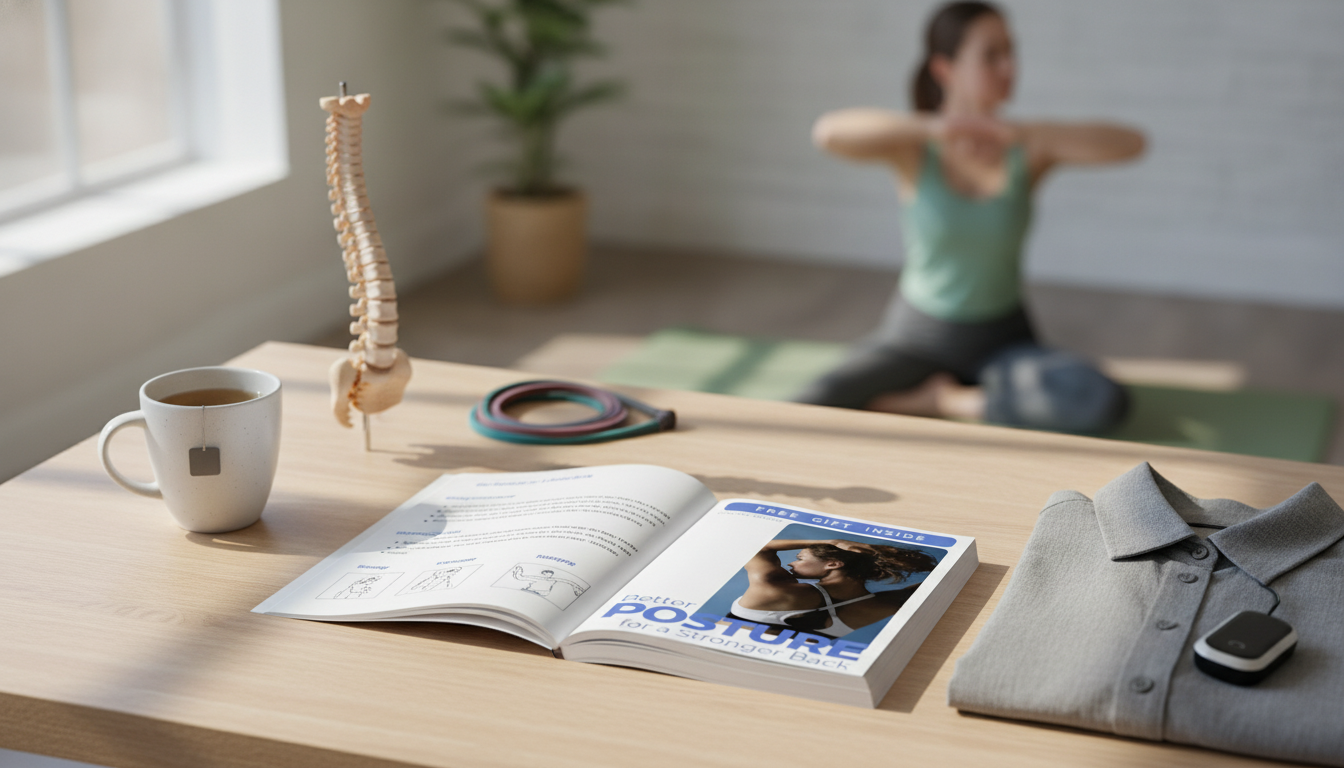
A stronger back starts with small, repeatable alignment choices—at the desk, on your feet, and even while asleep. When the spine is supported and the muscles share the load, it’s harder for daily strain to pile up. The goal isn’t “perfect posture” every second; it’s building a few reliable checkpoints you can return to throughout the day.
Good posture is best thought of as stacked alignment: ears over shoulders, ribs over pelvis, and weight centered over the mid-foot. That stacked setup reduces “hanging” on joints and lets muscles do their intended work.
It also isn’t rigid “military” stiffness. Bracing hard can limit breathing and make the upper traps and low back feel overworked. A helpful posture feels balanced and mobile—steady, but not frozen.
Neutral spine varies from body to body. Instead of chasing a single silhouette, aim for comfort, symmetry, and less strain during your real tasks: typing, driving, cooking, lifting, and sleeping.
Finally, posture is a habit plus endurance. Frequent resets usually beat forcing a perfect pose all day—especially if you sit or stand for long stretches.
Stand with your heels a few inches from a wall and let your body settle. Notice if your head juts forward, your shoulders round, or your low back arches dramatically. You’re not judging—just gathering info.
Look for uneven shoulders, flared ribs, or a pelvis that tips forward or back. Small asymmetries are common; the value is spotting what repeats.
Frequent neck tightness, upper-back “burning,” or low-back compression can signal that load isn’t being shared well. These clues often point to a simple setup issue (screen height, chair depth, or stance habits).
Choose a single phrase to reset your alignment: “soft ribs,” “chin slightly tucked,” or “heavy heels.” One cue is easier to remember and repeat than a whole checklist.
| Pattern | What it often feels like | Fast reset cue |
|---|---|---|
| Forward head / rounded shoulders | Neck tightness, upper-back fatigue | Bring screen closer; gently lengthen the back of the neck; roll shoulders up-back-down |
| Rib flare / over-arching low back | Low-back pinching when standing | Exhale to soften ribs; slight tailbone “heavy” feeling; engage glutes lightly |
| Slumped sitting | Mid-back ache, shallow breathing | Sit on sit bones; feet flat; “sternum floats up” without leaning back |
| Locked knees while standing | Hamstring tension, low-back strain | Micro-bend knees; shift weight evenly through tripod foot (big toe, little toe, heel) |
Most posture drift starts with the base. Set your feet flat, keep knees roughly level with hips, and scoot your hips all the way back in the chair when possible. If the chair is deep, add a small cushion behind you so you’re supported without perching.
Next, bring your screen up to eye level. A simple target: the top third of your monitor should be near eye height. If the screen is low or far away, the head tends to glide forward—one of the fastest routes to neck and upper-back fatigue.
If your chair lacks contour, support the mid-back with a small cushion or rolled towel. Think “gentle support,” not a hard brace.
| Minute | Move | What to focus on |
|---|---|---|
| 1 | Breathing reset (3–5 slow exhales) | Ribs soften down; neck long; shoulders heavy |
| 2 | Wall or doorway chest opener | Open across collarbones without arching low back |
| 3 | Thoracic extension (chair-back or hands-behind-head) | Move from mid-back; keep chin gently tucked |
| 4 | Hip hinge practice (hands on hips) | Hips back; spine long; knees soft |
| 5 | 10 bridges or 10 sit-to-stands | Drive through heels; glutes engage; ribs stay stacked |
For more detail on back pain symptoms and red flags, see Mayo Clinic: Back pain — Symptoms and causes and NIH MedlinePlus: Back Pain. A physical therapist can also tailor posture cues and strengthening to your movement limits and daily demands.
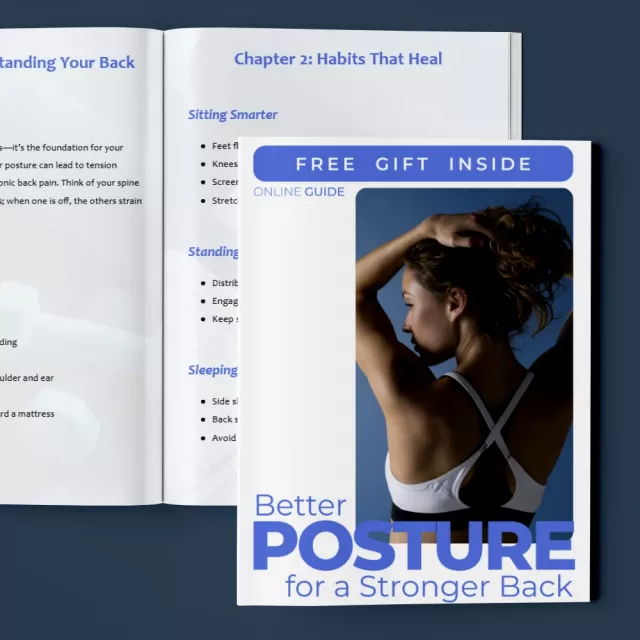
If you want a step-by-step reference that pulls sitting, standing, and sleeping alignment into simple checkpoints, explore Better Posture for a Stronger Back – Practical Guide to Daily Alignment, Easy Posture Habits for Back Relief, Sitting, Standing & Sleeping Smarter.
And if a lot of your neck strain comes from phone time, Snap It in Style: iPhone Outfit Photo Checklist – How to Take Outfit Photos with iPhone can be a helpful reminder to bring your device up to eye level (instead of bending your head down) when framing photos and reviewing shots.
Comfort changes can show up within days when your desk, sleep, and movement breaks are set up well. Lasting improvements usually take weeks as strength, mobility, and habits catch up—consistency matters more than intensity.
It’s generally helpful if it reduces slumping, but it shouldn’t feel like hard bracing. Pair lumbar support with frequent movement breaks and simple glute/core work so your muscles still share the load.
Many people do well side sleeping with a pillow between the knees, or back sleeping with support under the knees. The best position is the one that keeps your spine feeling neutral and reduces morning stiffness.



Leave a comment