No‑Code Website Builder Toolkit: Build a Site Without Coding with a 3‑in‑1 Bundle
A polished website no longer requires learning HTML, CSS, or JavaScript. A well-designed toolkit can guide the process from planning and layout to publishing and ongoing updates, while keeping everything consistent across pages. This 3‑in‑1 bundle is structured to help turn an idea into a functional website with clear steps, reusable assets, and practical checklists.
What This 3‑in‑1 Bundle Helps You Create
The fastest way to make a no‑code website look “real” is to stop designing each page from scratch. A solid toolkit gives you repeatable building blocks and a shared logic for how pages should flow.
- A complete website structure: key pages, navigation flow, and content order that supports clarity and trust.
- A consistent visual system: fonts, colors, spacing, and component styling so the site looks cohesive from page to page.
- Conversion-ready sections: hero blocks, feature grids, FAQs, testimonials, and contact/lead capture layouts.
- A repeatable build process: templates and checklists that reduce second-guessing and speed up revisions.
- A workflow that works with popular no‑code platforms: using drag‑and‑drop and settings rather than code edits.
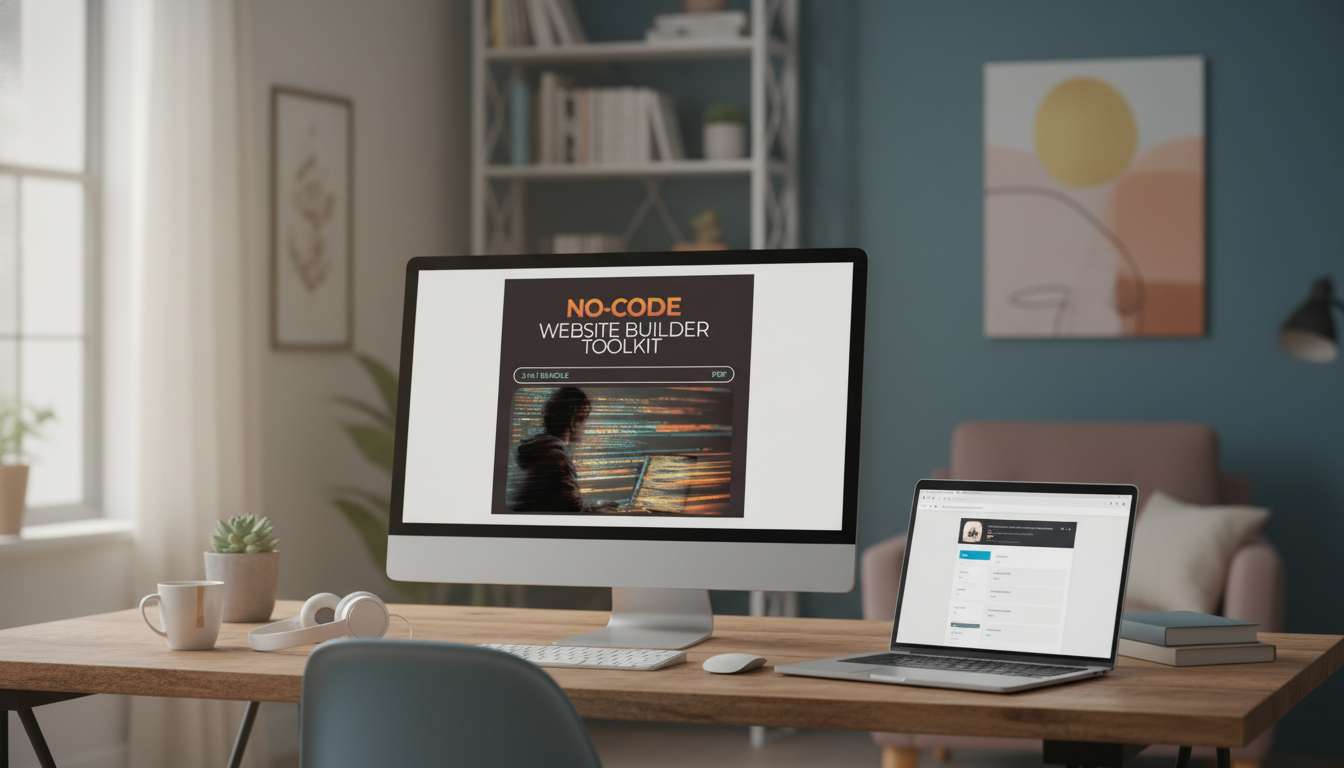
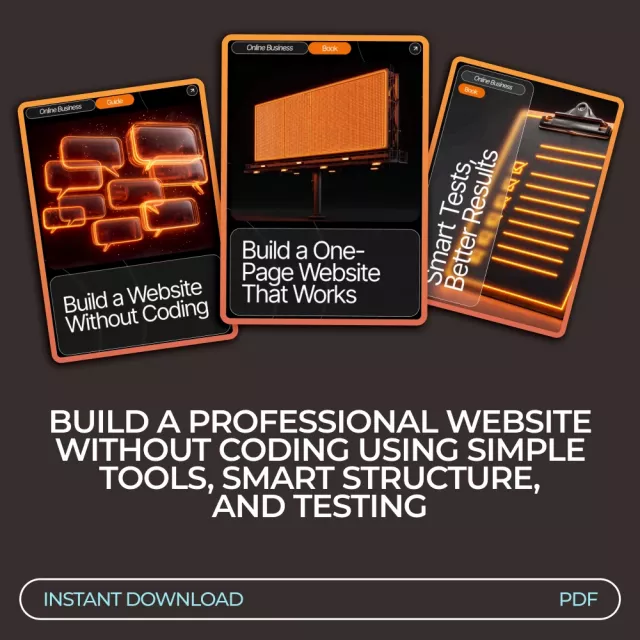
If you want the “bundle” approach ready to plug into your platform, start with the No-Code Website Builder Toolkit | Build a Website Without Coding 3‑in‑1 Bundle.
Who It’s For (and When It’s the Right Fit)
No‑code builders make it easy to publish, but they don’t automatically make decisions for you. This type of toolkit is most useful when you want speed without sacrificing consistency.
- Freelancers and consultants who need a credible site fast: services, proof, intake form, and clear next steps.
- Coaches and creators building a personal brand: a strong homepage, about page, and content hub to grow an audience.
- Small businesses launching a new offer: simple product/service pages, policies, and contact options.
- Students and job seekers creating a portfolio: case studies, project gallery, resume link, and contact page.
- Teams that want a shared standard: consistent components and page patterns that multiple people can reuse.
How the Toolkit Streamlines the Build Process
A streamlined workflow prevents two common problems: endless tweaking and mismatched pages. The goal is to lock in decisions once (structure + styles) so the rest becomes “fill in the blanks.”
Step-by-step workflow
- Step 1 — Plan: define the primary goal of the site (book calls, capture emails, sell a service, showcase work) and map the minimum set of pages needed.
- Step 2 — Structure: select a homepage layout and decide which sections appear above the fold vs. lower on the page.
- Step 3 — Design system: set colors, typography, and spacing rules once, then apply them everywhere to avoid visual drift.
- Step 4 — Build pages: populate reusable sections (hero, features, social proof, pricing/offer, FAQ, footer) and keep patterns consistent.
- Step 5 — Prepare to publish: confirm mobile layout, navigation clarity, button labels, and form handling before going live.
- Step 6 — Maintain: use the included checklists to update content without breaking layout consistency.
Fast Website Build Checklist (No Coding)
| Phase |
Key outputs |
Quick checks before moving on |
| Plan |
Site goal, target audience, page list |
One primary action per page; remove “nice-to-have” pages for v1 |
| Structure |
Homepage section order, navigation items |
Navigation uses plain labels; important pages are reachable in 1–2 clicks |
| Design system |
Fonts, colors, button styles, spacing rules |
Contrast is readable; headings are consistent across pages |
| Build |
Homepage + core pages drafted |
Buttons are consistent; forms are tested; images have descriptive alt text |
| Publish |
Domain, analytics, basic policies |
Mobile view checked; page speed is reasonable; links and icons work |
What to Build First: A Practical Page Order
Momentum matters. A smart page order helps you launch quickly, then improve with real feedback instead of guesswork.
- Homepage: one clear promise, a supporting subheading, and a primary call-to-action button above the fold.
- About page: brief story, credentials, values, and who the service/product is for (plus a clear next step).
- Services or Offer page: outcomes, deliverables, timeline, pricing approach, and an easy way to inquire or purchase.
- Proof page (optional but powerful): testimonials, case studies, before/after results, or a portfolio gallery.
- Contact page: short form, expected response time, and alternatives (email, calendar link, social).
- Policies and basics: privacy policy, terms, and any refund/cancellation details as needed for your use case.
If you need better visuals for your site (especially for about pages, creator brands, or lookbooks), the Snap It in Style: iPhone Outfit Photo Checklist – How to Take Outfit Photos with iPhone is a quick add-on for cleaner, more consistent images.
Quality Checks That Make a No‑Code Site Feel Professional
For accessibility guidelines that apply to everyday site building choices (contrast, readable text, keyboard access), reference the W3C WCAG overview. For performance and practical improvements, Google Lighthouse guidance is a reliable standard.
Common Sticking Points and Simple Fixes
Bundle Details at a Glance
FAQ
Can a complete beginner build a website with this bundle?
Yes. It’s designed for non-coders with guided steps for planning, layout, reusable sections, and launch checks. You’ll still need a no‑code platform account and your own text, images, and brand details to publish.
Which pages should be included for a simple first launch?
For a quick version 1, launch with a homepage, services/offer page, about page, contact page, and a basic privacy policy (plus terms if needed). Add a proof/portfolio page next if you have testimonials, case studies, or work samples ready.
Will this work with my preferred no‑code platform?
It should translate well across most drag‑and‑drop website builders because it focuses on structure, reusable components, and checklists rather than platform-specific code. The exact clicks may differ, but the page patterns and consistency rules remain the same.
Recommended for you




Leave a comment