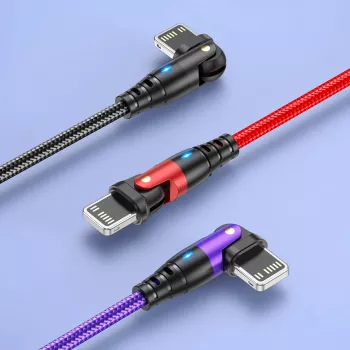
A cable that bends the right way can be the difference between comfortable everyday charging and constant connector stress. A 180° rotating USB cable keeps the plug aligned with the phone—useful for gaming, scrolling, CarPlay-style mounts, bedside charging, and tight spaces—while still supporting fast charging and dependable data syncing.
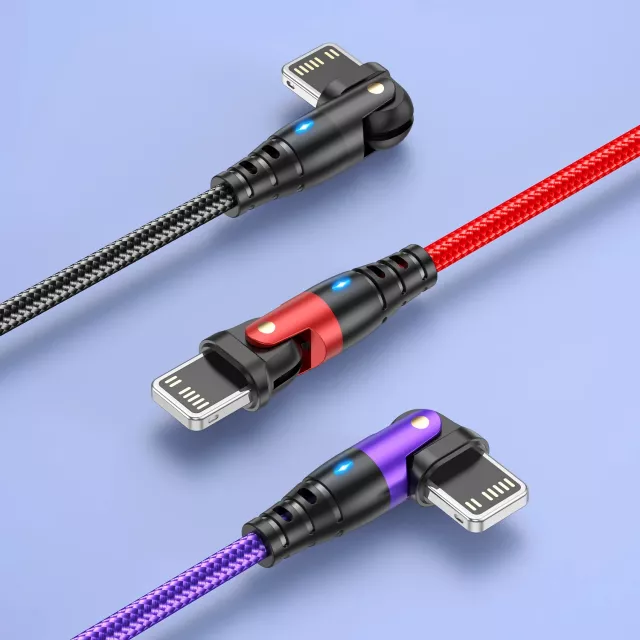
A rotating connector is a small change that makes a big difference when you’re actively using your iPhone while it’s plugged in. Instead of forcing the cable to stick straight out, the head pivots so the wire can lay flatter and follow the direction your hands naturally move.
If your current cable tends to “fight” the angle of your grip, a rotating head can feel noticeably smoother—especially when the phone is sideways and your hands are close to the connector.
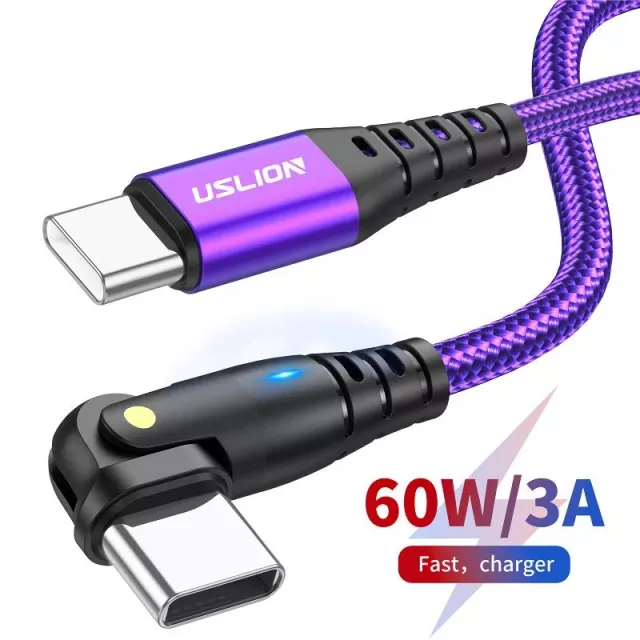
Fast charging is a team effort between the iPhone, the power adapter, and the cable. A rotating connector improves handling and can reduce strain, but charging speed still depends mainly on the adapter’s output and your device’s charging support.
When troubleshooting, start with the basics: try another known-good adapter and outlet, then check the phone’s port for lint or debris. Apple also outlines practical steps if an iPhone won’t charge, including checking for debris and accessory issues: Apple Support: If your iPhone or iPod touch won’t charge.
Charging is only half the job for many users. A reliable USB cable also needs to maintain a stable connection for photo imports, device backups, firmware updates, and tethering.
For larger transfers, any intermittent disconnect can corrupt a file copy or force a backup to restart. A snug, well-built connector—plus a direct connection to a computer’s rear USB ports—helps reduce those interruptions.
Most cable failures happen where the wire meets the plug. That’s the “hinge” point that gets bent, twisted, and tugged hundreds of times over the cable’s life. A rotating head helps by letting the cable follow motion instead of absorbing it as a sharp bend.
For creators, a clean desk setup matters when the iPhone is used as a webcam, overhead camera, or product-photo tool. If you’re building a simple repeatable photo routine, pair a stable charge-and-sync cable with a quick workflow guide like Snap It in Style: iPhone Outfit Photo Checklist – How to Take Outfit Photos with iPhone.
| Feature | Why it helps | What to check |
|---|---|---|
| 180° rotating head | Less bending at the phone port in-hand and in tight spaces | Rotation feels smooth; connector stays snug |
| Fast charging support | Shorter charge times when paired with a compatible adapter | Use a reputable power adapter; avoid damaged ports |
| Data transfer | Reliable syncing, backups, and file transfers | Stable connection on computer USB ports |
| Reinforced strain relief | Helps prevent cracking at common stress points | Thicker, flexible support near both ends |
| Durable jacket | Resists kinks and everyday abrasion | No splitting, stiff spots, or exposed wiring |
If you notice your iPhone pausing charging overnight, that can be normal battery behavior depending on settings. Apple explains how this works here: Apple Support: About Optimized Battery Charging on iPhone.
Yes, as long as the cable is in good condition and you’re using a compatible power adapter and iPhone. Charging speed is mainly determined by the charger and device; the rotating head is about comfort and reduced strain.
It shouldn’t reduce reliability, and a snug connector can actually help prevent random disconnects. For best results, use a direct USB port on your computer and make sure the iPhone is unlocked and trusted.
Often yes, because the cable can sit flatter against the phone and keep the plug from poking your hands or pressing into surfaces. This is especially noticeable in landscape orientation during games or video playback.




Leave a comment