
Juggling deadlines, school drop-offs, sick days, and household logistics can feel like an always-on shift. A workable balance usually comes from designing predictable routines, setting clear boundaries with work, building backup childcare options, and using simple tools (including AI) to reduce decision fatigue and coordination overhead. The goal isn’t a perfect schedule—it’s a repeatable system that holds up on normal weeks and doesn’t collapse on hard ones.
Before tweaking anything, map the week you actually have. Start with fixed commitments: work hours, commute time, school/daycare windows, recurring appointments, and the sleep you need to function. Once those anchors are visible, the real problems tend to stand out.
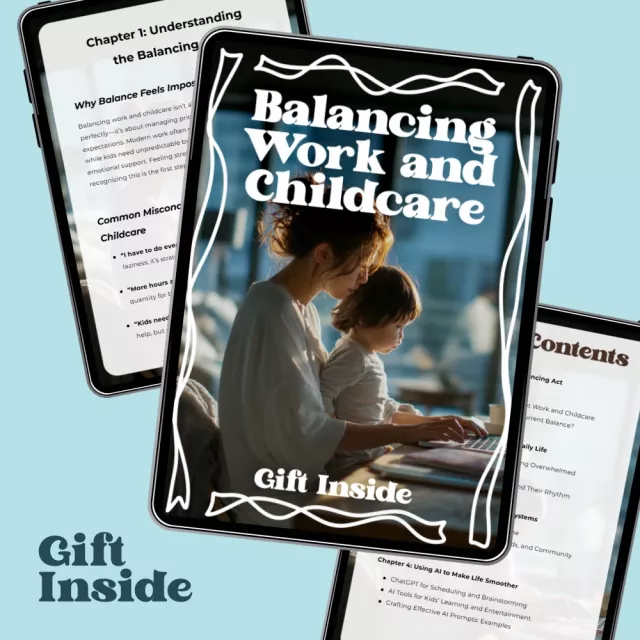
If you want something quick to follow, the digital guide Balancing Work and Childcare – A Practical Guide for Busy Parents | Real-Life Strategies, Smart Tools & AI Support can be a helpful reference for turning these ideas into checklists and weekly templates.
Work-life balance gets easier when “good performance” is clearly defined. Ambiguity creates constant vigilance: always checking messages, always half-working, always feeling behind.
If workplace stress is starting to feel constant, the American Psychological Association’s overview of stress is a practical starting point for understanding what prolonged overload does to attention, mood, and health.
Many families have “primary” childcare but no defined backup. That’s when one closure or one fever creates chaos. Build a simple ladder: if Plan A fails, you already know Plan B and Plan C.
| Scenario | Primary plan | Backup 1 | Backup 2 | Work adjustment |
|---|---|---|---|---|
| Daycare closed | Partner shifts hours | Grandparent pickup + afternoon care | Paid sitter (2–6 pm) | Move non-urgent meetings; focus on 2 priority tasks |
| Child mildly sick | Stay home parent A | Paid sitter (light duty) if appropriate | Family help | Async updates; shorten workday with clear deliverables |
| School pickup conflict | Neighbor carpool | After-school program | Rideshare + authorized adult (if allowed) | Block calendar; reschedule meeting |
| Work travel overlap | Partner covers mornings | Family overnight support | Sitter mornings + evenings | Pre-record updates; delegate time-sensitive items |
Also consider what protections exist at work when family needs spike. The U.S. Department of Labor’s FMLA page outlines leave options that may apply, depending on eligibility.
For pantry and “grab-and-go” routines, a dedicated container can reduce clutter and last-minute searching. A simple option is the Vintage Embossed Glass Storage Jar with Airtight Seal – 23.7 oz for snacks, coffee, or pre-portioned staples.
If you’re trying to simplify clothing decisions (especially during rushed mornings), creating a quick “outfit reference” can help. The Snap It in Style: iPhone Outfit Photo Checklist – How to Take Outfit Photos with iPhone can be used to build a small library of ready-to-wear outfits for you or your kids.
For parenting basics that support calmer routines (especially with toddlers and preschoolers), the CDC’s Essentials for Parenting is a solid, practical resource.
Use a pre-made backup ladder and decide quickly which option you’re activating. Send a clear work status update, switch meetings to async when possible, and focus on one essential deliverable instead of trying to do everything.
Use AI only for the highest-friction tasks—meal planning from a pantry list, drafting messages, summarizing school emails, or turning a routine into a checklist. Keep your system centralized in one calendar and one notes/checklist tool so the “helpers” don’t become extra work.
Assign ownership by category (drop-offs, pickups, meals, laundry, admin) so tasks don’t default to whoever notices first. Rotate the hardest windows when possible and review the split weekly using the calendar as the shared record of what actually happened.






Leave a comment