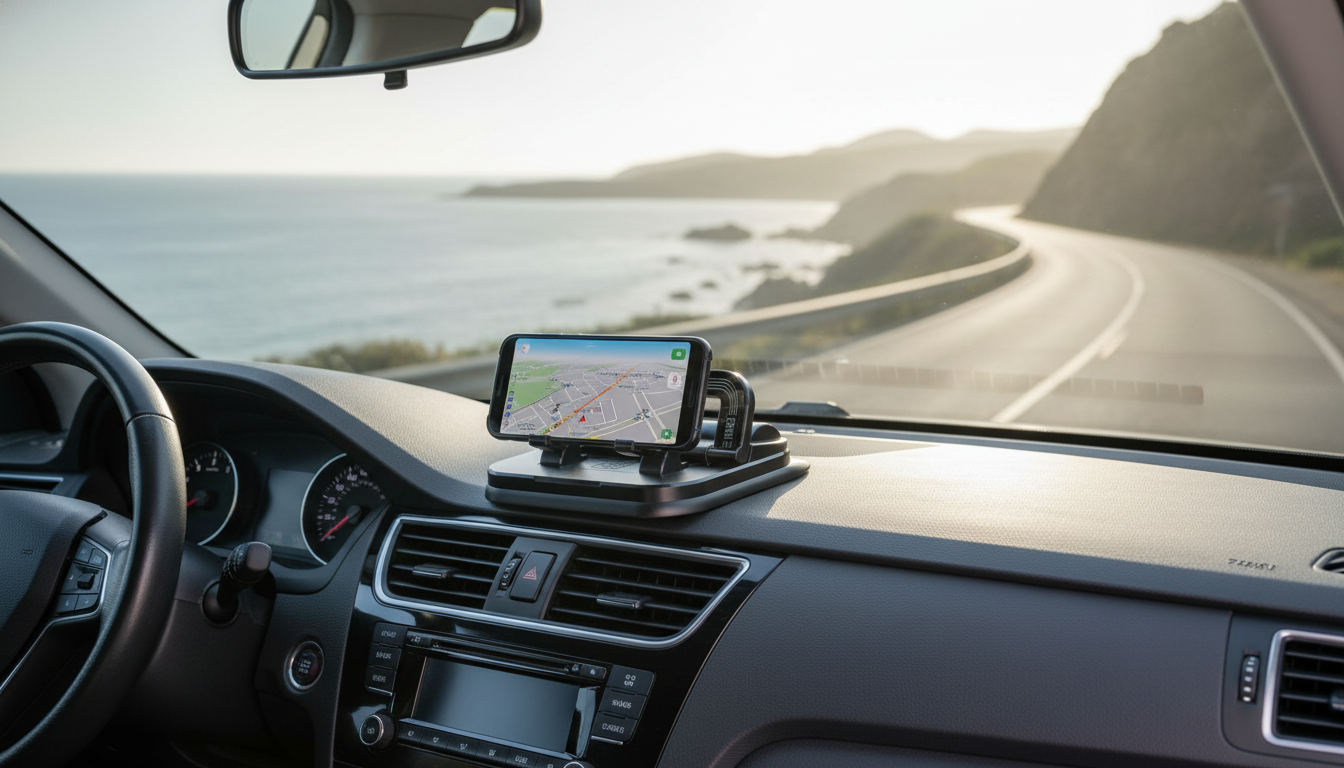
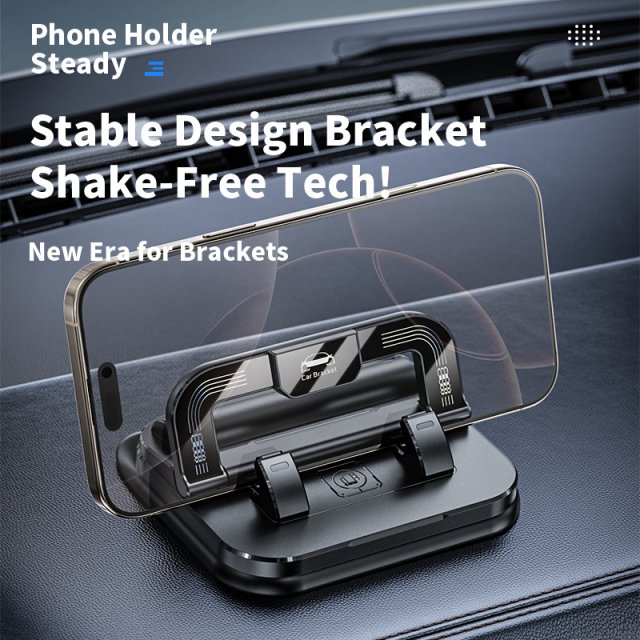
A compact dashboard phone stand can make navigation and hands-free calls easier to manage without cluttering the cabin. The 360° Rotating Foldable Dashboard Car Phone Holder Stand is designed to keep your phone stable, adjustable, and within a comfortable viewing angle—while staying easy to fold down when you want a cleaner dashboard.
A dedicated phone spot on the dashboard can reduce the everyday friction of driving with navigation, calls, and quick glance info. Instead of placing your phone in a cupholder or on the passenger seat (where it can slide around), a dashboard stand creates a consistent location that’s easier to check briefly and safely.
For broader road-safety context, the National Highway Traffic Safety Administration (NHTSA) provides guidance on minimizing distractions while driving: NHTSA — Distracted Driving.
One of the most practical benefits of a rotating head is how quickly you can switch between portrait and landscape. Portrait tends to feel natural for turn-by-turn directions, while landscape can be easier for map overviews, rideshare apps, or split-screen layouts (when supported by your device).
If you use Focus or voice tools to reduce interruptions, these official resources can help you set up safer driving routines: Apple Support — Use Driving Focus on iPhone and Android Help — Use Google Assistant while driving.
Placement matters as much as the mount itself. The goal is a clear, comfortable view that doesn’t interfere with driving controls, mirrors, or safety systems. Before settling on a final spot, sit in your normal driving posture and test the view with the phone mounted in both orientations.
Small adjustments can also reduce eye strain: tilt the screen slightly upward to cut windshield reflections, and position the phone so you’re not turning your head far away from the road.
A foldable rotating stand works well beyond basic navigation. It’s a simple accessory, but it can streamline common driving tasks—especially when paired with voice commands and hands-free calling features.
For rideshare or delivery drivers, consistency is a major benefit: placing the phone in the same spot every trip helps build a routine for quick glances and easier cable management.
Before buying or installing a dashboard stand, a few quick checks can prevent most common fit frustrations—like blocked charging ports, a loose hold, or a viewing angle that’s hard to read in bright sun.
| Check | Why it matters | What to do |
|---|---|---|
| Phone size (with case) | Prevents squeezing or slipping | Measure width and compare to the holder’s grip range if listed |
| Dashboard surface | Improves stability and reduces vibration | Clean and dry the mounting area before placing the stand |
| Viewing angle | Better readability and less glare | Sit in driving position and adjust before driving |
| Charging access | Avoids cable strain or blocked ports | Route the cable with slack and keep it away from controls |
Even a well-placed mount can shift over time due to temperature changes, dust, and vibration. A little routine maintenance helps keep the phone stable and the screen aligned where you expect it.
Yes—use the rotating head to switch orientation, then fine-tune the angle to reduce glare and keep the screen readable.
Most cases are fine as long as the phone still fits securely in the holder; bulky wallet-style cases may require removing the case for a better grip.
Avoid blocking the driver’s view and keep clear of airbag deployment areas; consult the vehicle manual for guidance on airbag zones.






Leave a comment